
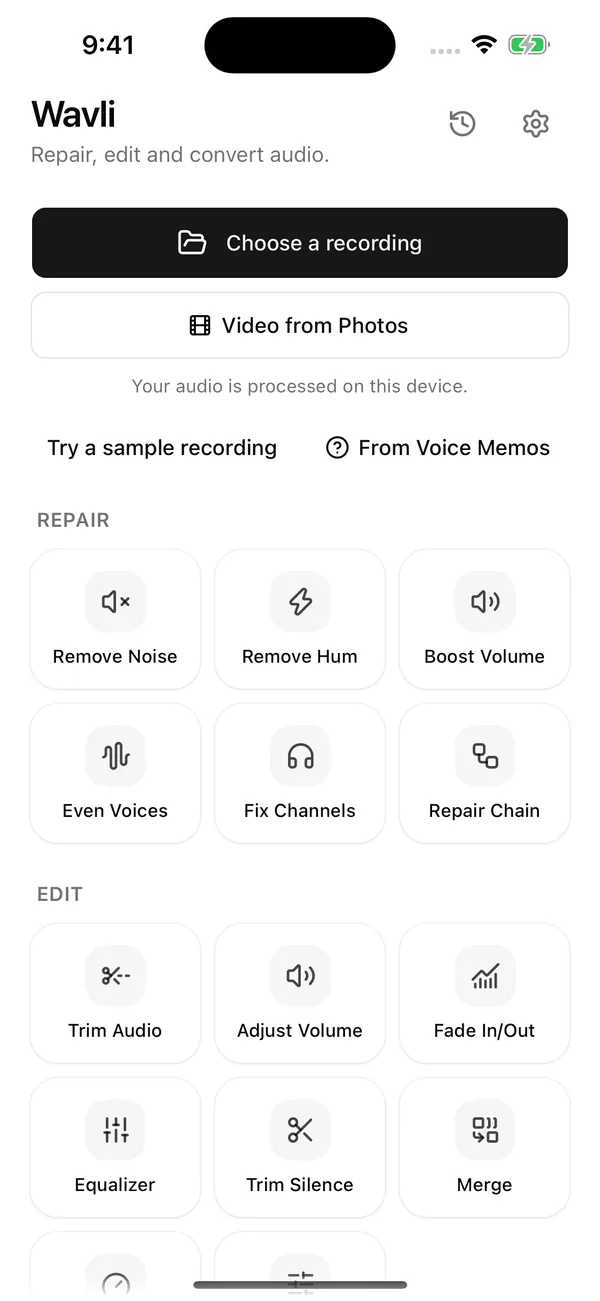
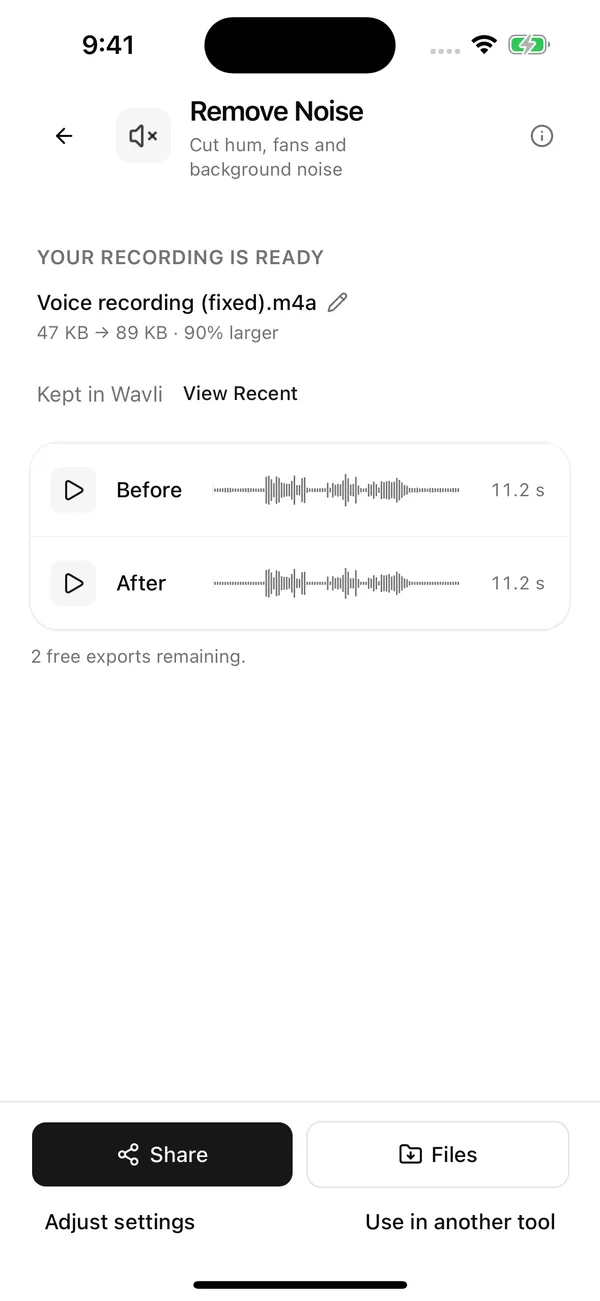
Before / After
Hear Before and After
Every result opens with Before and After players and waveforms, so you can compare the cleaned version with the original before you save anything.
Before
After
Illustration, not a measurement.
Remove background noise
One automatic cleanup for steady noise: fans, air conditioning, computers, constant room hiss. Set the Strength anywhere from Natural to Strong, and hear an 8-second preview before you commit.
More about remove background noise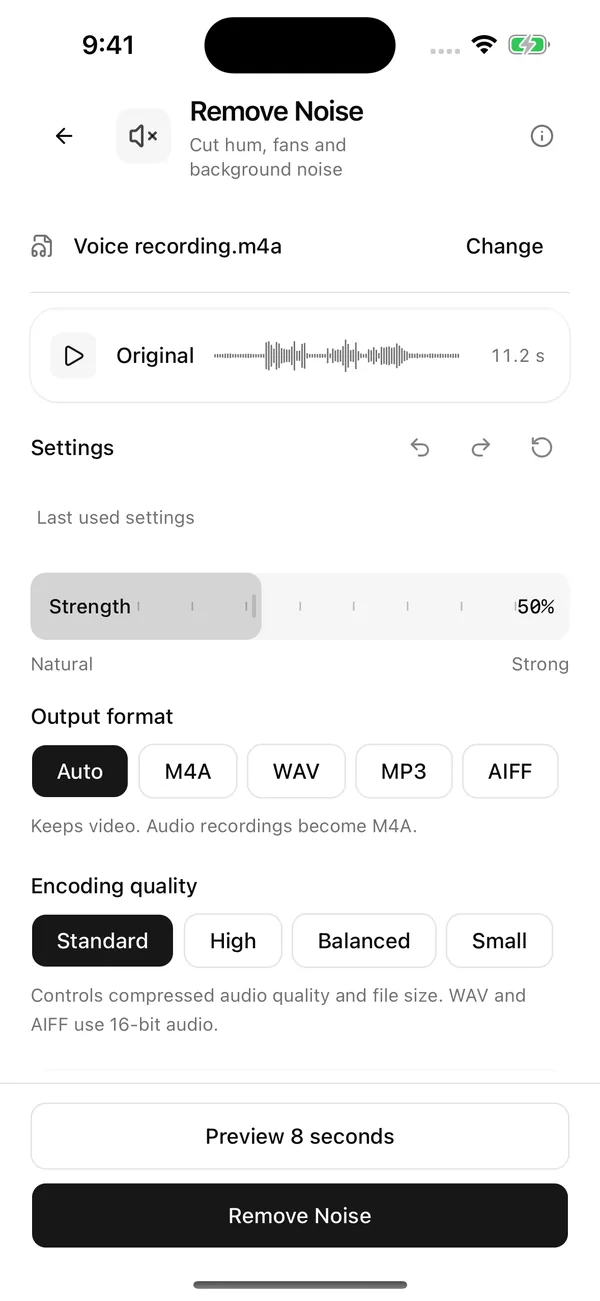
Remove electrical hum
Mains hum from cables, amps, and chargers has its own tool. Leave Remove Hum on Auto, or pick 50 Hz or 60 Hz if you know where the recording was made.
More about remove electrical hum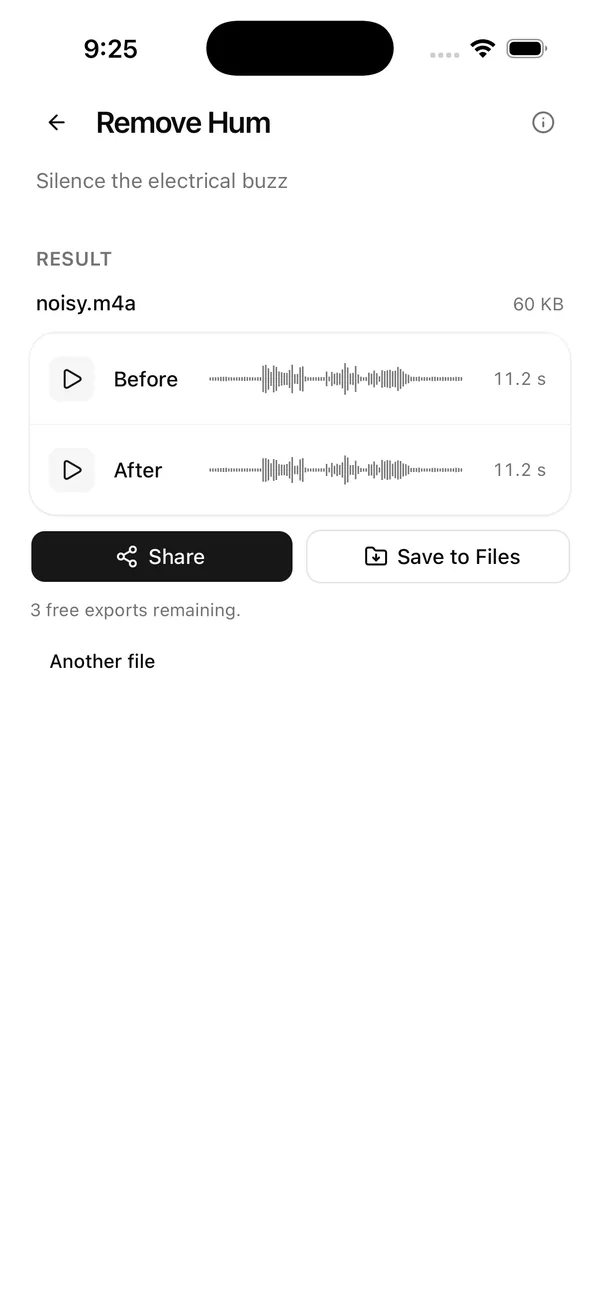
Video keeps its picture
Clean the sound of a video and Wavli puts the cleaned audio back into it without re-encoding the picture. Save it as MP4 straight back to Photos.
More about video keeps its picture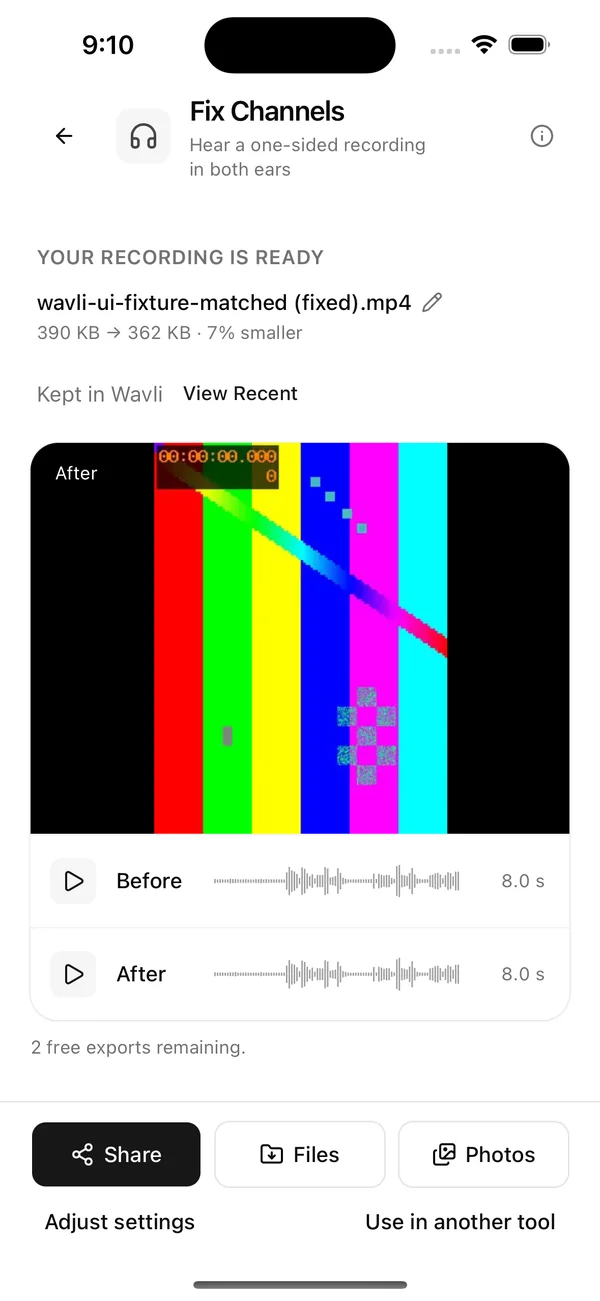
Gets files in and out easily
Send audio or video from almost any app with "Save to Wavli" in the share sheet, or pick files from the Files app. Export as M4A, WAV, MP3, AIFF, or MP4. On iOS 16 and later, Wavli actions are available in Shortcuts.
More about gets files in and out easily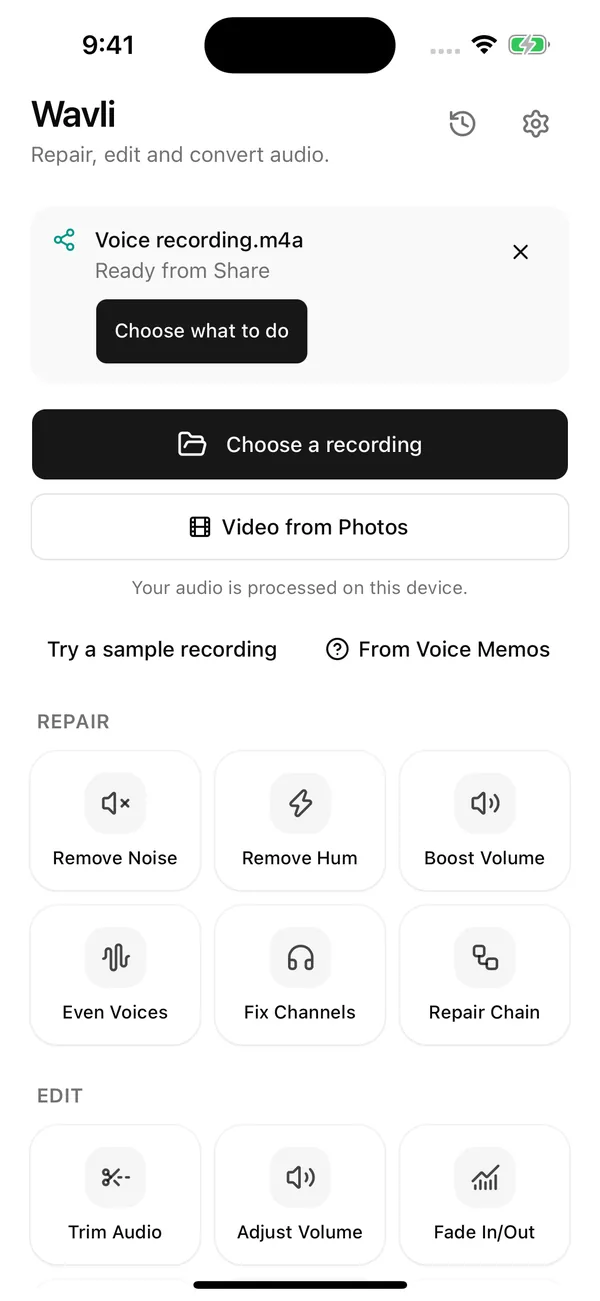
Your audio stays on your iPhone
All processing happens on the device. Your recordings aren't uploaded to a server for cleaning.
How on-device processing worksWavli is built for steady noise and hum. It doesn't remove clicks, crackle, or echo.
FAQ
Is Wavli free?
Wavli is free to try. Every tool and preview is free, and you can export your first files free. After that, saving new files needs Wavli Pro.
Does Wavli upload my recordings?
No. Noise and hum removal run on your iPhone, and your audio isn't sent to a server for processing.
What files can I clean?
Audio in M4A, MP3, WAV, AIFF, and CAF, and video in MOV and MP4. Opus and Ogg voice notes aren't supported. Voice memos work too: share them from Voice Memos to "Save to Wavli", or save them to Files first.
Can Wavli remove echo or wind?
Wavli has no echo removal. It also has no separate wind tool. Its noise removal is designed for steady noise, so gusty wind isn't something we claim it fixes. For video shot on iPhone 16 or later, the Camera's built-in Wind Noise Reduction is the better option.
Can I record in Wavli?
No. Record in Voice Memos, the Camera, or another app, then open the file in Wavli.
Which iPhones does it work on?
Any iPhone that runs iOS 15 or later. You don't need a new iPhone. Shortcuts actions need iOS 16 or later.